
Mission News
House of Welcome
House of Welcome
This term, the College is raising funds in support of House of Welcome. All funds raised will be converted into shopping vouchers, providing House of Welcome clients with the flexibility to make meaningful and relevant choices for themselves and their families.
House of Welcome is a Catholic-run organisation that supports refugees and people seeking asylum as they build new lives in Australia. It provides practical help such as housing, casework, employment support, emergency assistance, and advocacy, while creating a welcoming community where people are treated with dignity and respect. Their work reflects key Catholic Social Teaching principles, especially the dignity of the human person, solidarity with those in need, and the call to welcome the stranger. By standing alongside people seeking safety and opportunity, House of Welcome helps put faith into action.
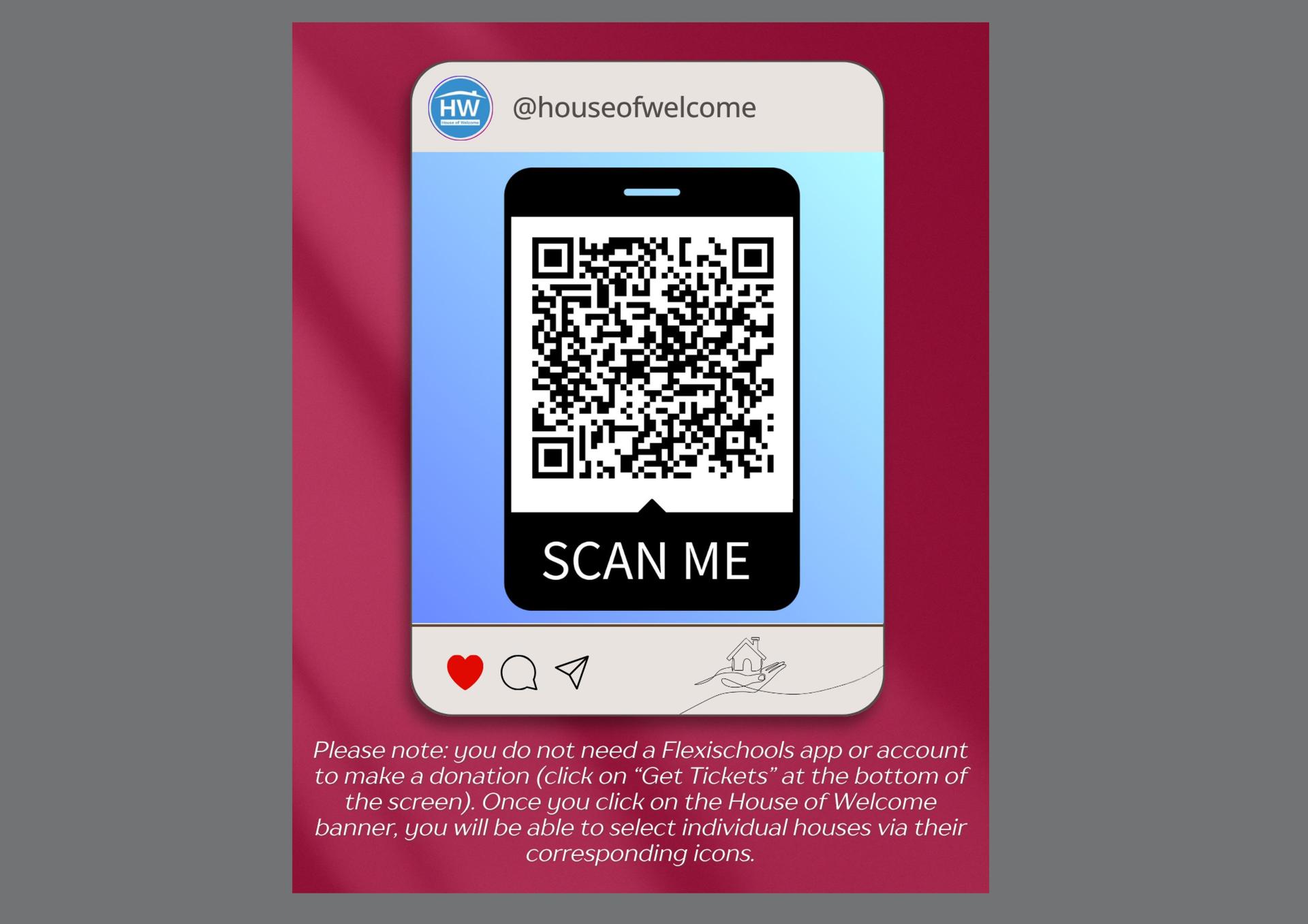
We welcome all families and friends to either click on the link below or scan the QR Code. You will be led to the Flexischools House of Welcome landing page to make a donation: https://ordering.flexischools.com.au/m/mount-st-benedict-college-events-house-of-welcome-donations
Please note: you do not need the Flexischools app or an account to make a donation (click on “Get Tickets” at the bottom of the screen). You will then be able to select the individual houses via their corresponding icons.
The Mission Team
Curriculum News
HSC Design and Technology Showcase
HSC Design and Technology Showcase

Upcoming Events
College News
Premier's Reading Challenge - Ends on Friday 18 September
Premier's Reading Challenge - Ends on Friday 18 September
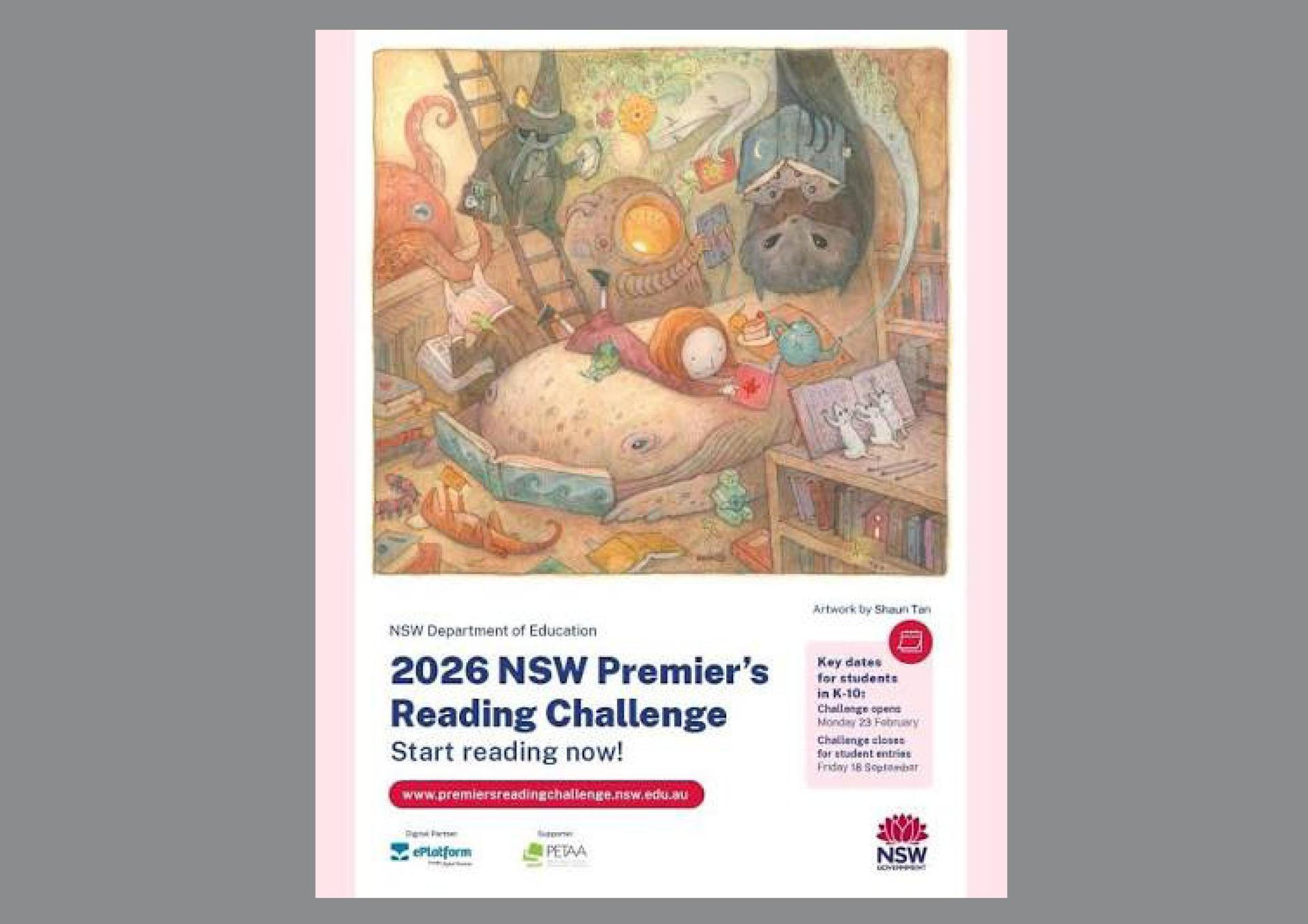
Just a reminder to those students completing the Premier's Reading Challenge, that it closes on Friday 18 September, so be sure to enter your books by then.
College Library Team
Advanced Life Group Photo Orders "Extra Security Step for your Privacy"
Advanced Life Group Photo Orders "Extra Security Step for your Privacy"
The following group photos were taken this year.
- Mission Captains
- Faculty Captains
- House Captains
- College Captain and Vice Captains
- Portfolios- Sport, Learning, SRC, Culture and Arts, Stewardship, Hospitality and Social Justice.
- Year 12 Group and Fun photo
- Homeroom photos
Please note that whilst you are not able to preview images in the ordering portal, all purchases are fully refundable for a period of 21 days.
Order your group photos here [use the code to login MFY 5A1 4FR]
Advance Life Group Photo Orders [Change on how to order these photos ]
Order online before 31 October 2026 and pay just $16 per print (saving a minimum of 20%).
After this date, prices will revert to the standard $20–$25 per print.
How to Order
Step 1: Create or Log in to Your Account
Visit the advancedlife website and select Login to create an account or sign in.
Step 2: Add Your Child [if first time user]
Once logged in:
• Select My Account
• Click + Add a Child
• Enter your school code: MFY 5A1 4FR
• Enter your child's details exactly as they appear on their photo pack
Step 3: Verify Your Child
Select Add Unique Code and enter the 9-digit SIC code located on the back page of your child's photo pack. This unique code remains the same each year and serves as a secure method of verifying your child's profile. If you no longer have access to the code, you can request it through your school, which acts as an authorised intermediary between advancedlife and parents or guardians for authentication purposes.
You may need to refresh your browser after verification.
If the profile remains greyed out:
• Select Edit Child
• Confirm your child's name, date of birth, and/or student ID match the details shown on the photo pack
Step 4: Access Your Child's Profile
Once verified:
• Select View and Re-Order under your child's profile.
Step 5: View Available Group Photos
Scroll down within your child's profile to view all sports and cocurricular groups associated with your child that are currently available to purchase.
Please note that any additional teams or groups photographed later in the year will appear once they become available.
Important
Group photos can only be purchased online. PLEASE DO NOT return payment to your school.
Photos will be returned to your school for distribution approximately six weeks after the discounted early order period has closed.
Past years' photographs, including sports, cocurricular and representative groups are also available at your school's advanced order and your child's advanced you photo sites.
If you have any questions, comments or feedback relating to your advancedlife experience, please contact us at www.advancedlife.com.au/contact. Alternatively please contact Mrs Michelle Blackman in the College Advancement Team mblackman@msb.nsw.edu.au.

School Attendance via the Parent Portal
School Attendance via the Parent Portal
If students are going to be absent from school, parents should inform the College via Sentral, in the College's Parent Portal by 8am, so we know if a student does not attend her first lesson, that she is safe and cared for.
The former SMS number should no longer be used. All leave, including sick leave, should be applied for via the College's Parent Portal in Sentral.
- Login to the BenniesLink https://bennieslink.msb.nsw.edu.au/ and click on the Sentral tile. Or, go direct to the Sentral Parent Portal https://www.msb.nsw.edu.au/about/parent-portal/
- Within Sentral select the "Absences" button from the main menu on the left-hand side.
- Select "Submit a Future Absence Request" (green box).
- Complete the relevant fields and submit the request. Medical Certificates can also be uploaded here.
If your daughter will be arriving late or leaving early, then select the whole day absence but note the partial absence in the comments section, noting that appointments should be made out of school hours, where possible, to ensure continuity of learning.
Thank you for your assistance in our management of accurate student attendance records.
Student Services